Professional image masking for brands, studios and creative teams. Hair, fine edges and translucent materials isolated with care, ready for the background and file structure your workflow needs.
Image masking controls which parts of a photograph remain visible. Unlike a simple cutout, a mask can retain soft transitions and partial transparency. It suits hair, fur, textured edges, sheer fabric and light-transmitting products.
Our image masking services support e-commerce imagery, on-model photography, campaign assets and creative layouts. We refine the separation while preserving natural shape and visible detail.
The mask is one part of the finished asset. We agree background treatment, edge color, shadows and output structure together so the result fits its next use.
Image-led attention to detail
The subject stays. The treatment follows.
Hair, contours and materials. Each needs its own approach.
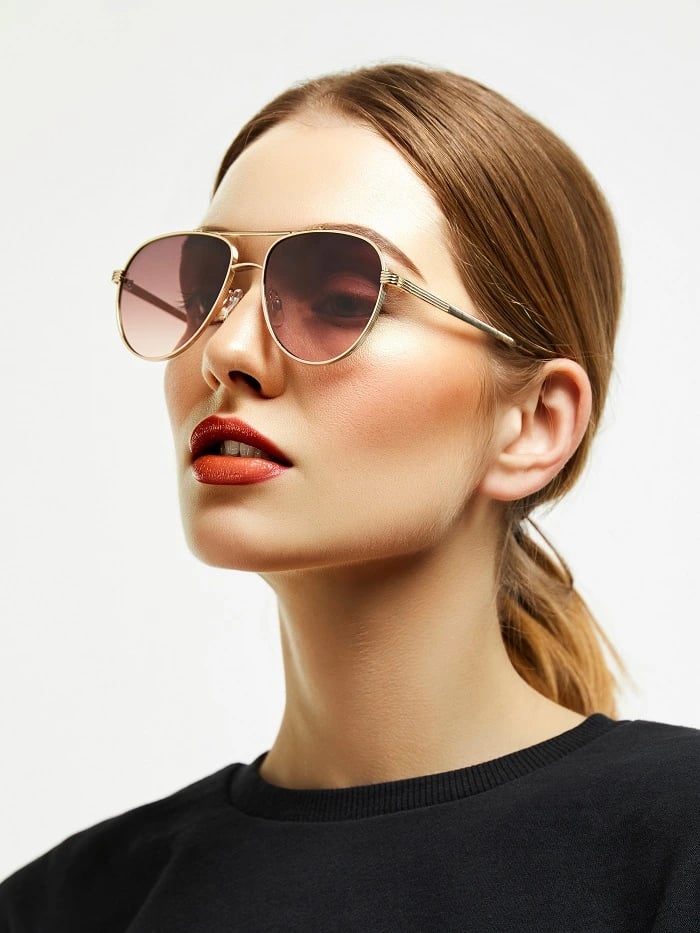
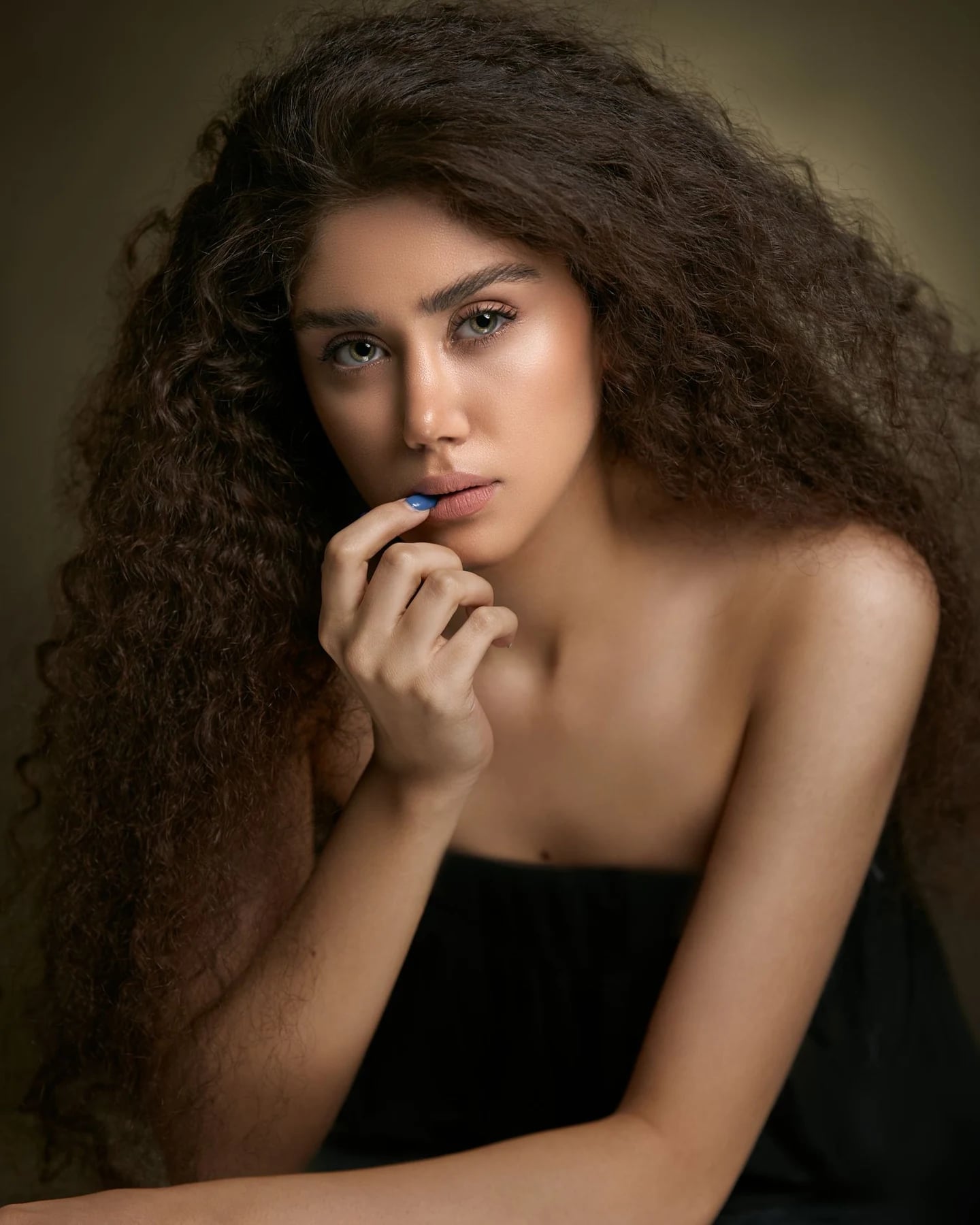
Keep the full hair silhouette in frame, with visible strands against the background.
Stock reference / Image direction
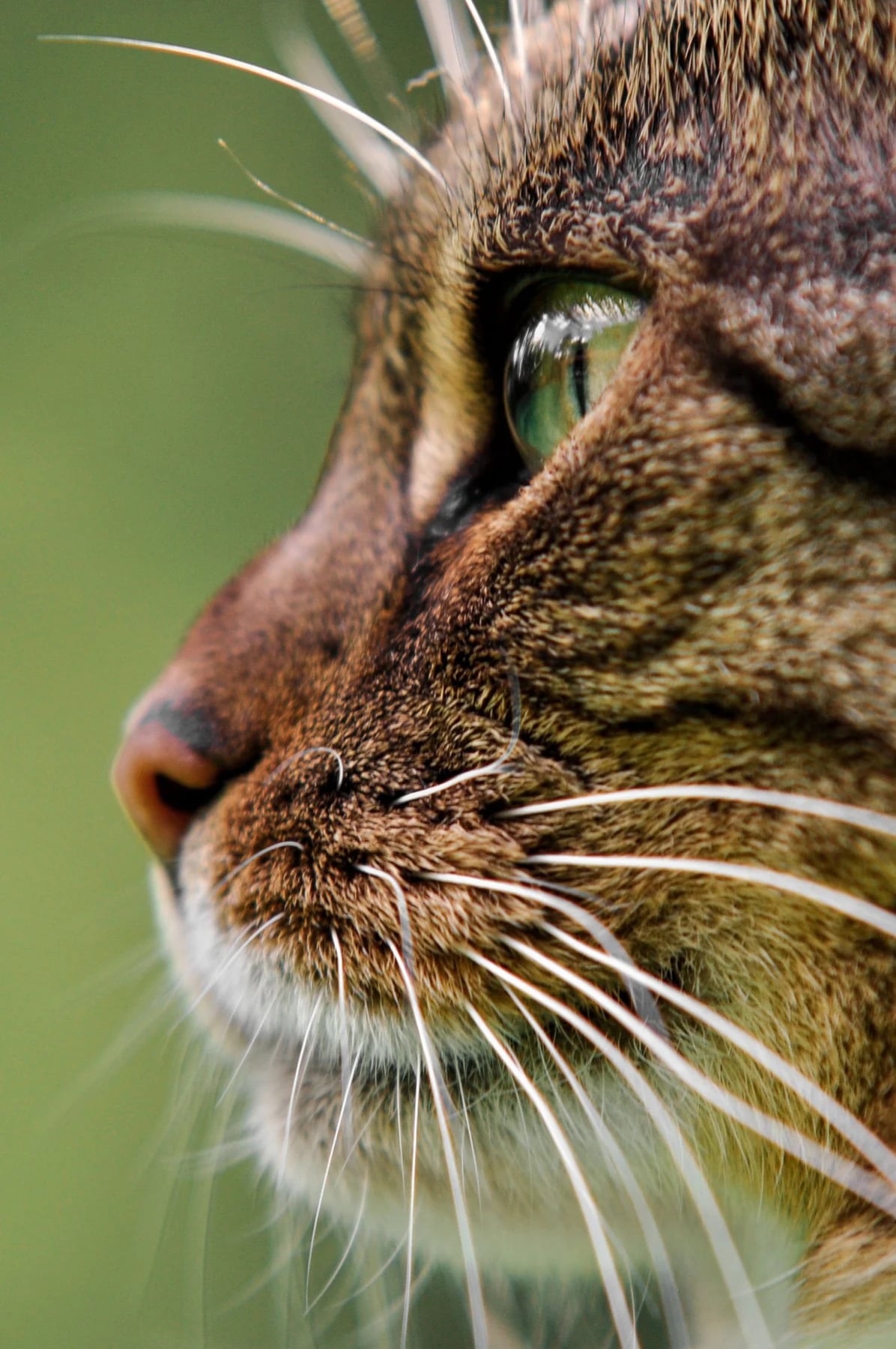
Fur & whiskers
A sharp close-up shows the transition from dense fur to individual hairs.
Image masking service scope
The right method. For the edge in front of us.
Review the source and its destination. Agree the detail that must remain.
01
Hair & fur masking
Fine strands / Soft texture / Natural contour
Separate visible hair and fur while retaining their softness, shape and overall silhouette. The result follows source quality and the intended background, avoiding a rigid cutout.
02
Complex product edge masking
Texture / Openings / Irregular detail
Isolate textured or irregular product boundaries and review small gaps and interior openings. Combine selection methods when an image has both defined and soft areas.
03
Transparent & translucent objects
Glass / Sheer material / Partial visibility
Assess glass and sheer materials against the proposed background. Preserve suitable transparency and surface detail; additional retouching of reflections or color is scoped after file review.
04
Photoshop layer masking
Editable separation / Layer structure / Handoff
Prepare editable layer masks for further work. Agree Photoshop file structure, layer names and background options before production.
05
Selective adjustment masks
Color regions / Local adjustments / Control
Create masks for areas needing independent color or tonal treatment, without unnecessarily affecting adjacent materials, skin or background.
06
Background isolation & finishing
Removal / Replacement / Edge cleanup
Use masking for removal or replacement where complex detail requires it. Check halos and background color, then prepare the agreed white, transparent or supplied background, with shadows handled separately.
Choose the appropriate service
Masking. Paths. Background removal.
Related techniques. Different jobs.
Masking controls visibility, a clipping path defines an outline, and background removal describes the result. We select the technique for your subject and output.
01
Image masking
For soft, detailed or partly transparent edges. Pixel masks retain gradual transitions and levels of visibility.
Hair · Fur · Sheer materials · Soft detail
02
Clipping paths
For clearly defined outlines and reusable vector paths around products or components.
Defined contours · Components · Product outlines
03
Background removal
The outcome of separating a subject from its setting, using masks, paths or both.
White backgrounds · Transparent files · Replacement
Transparent fabric masking
Light through fabric. Detail through the layers.
Stock reference / Image direction
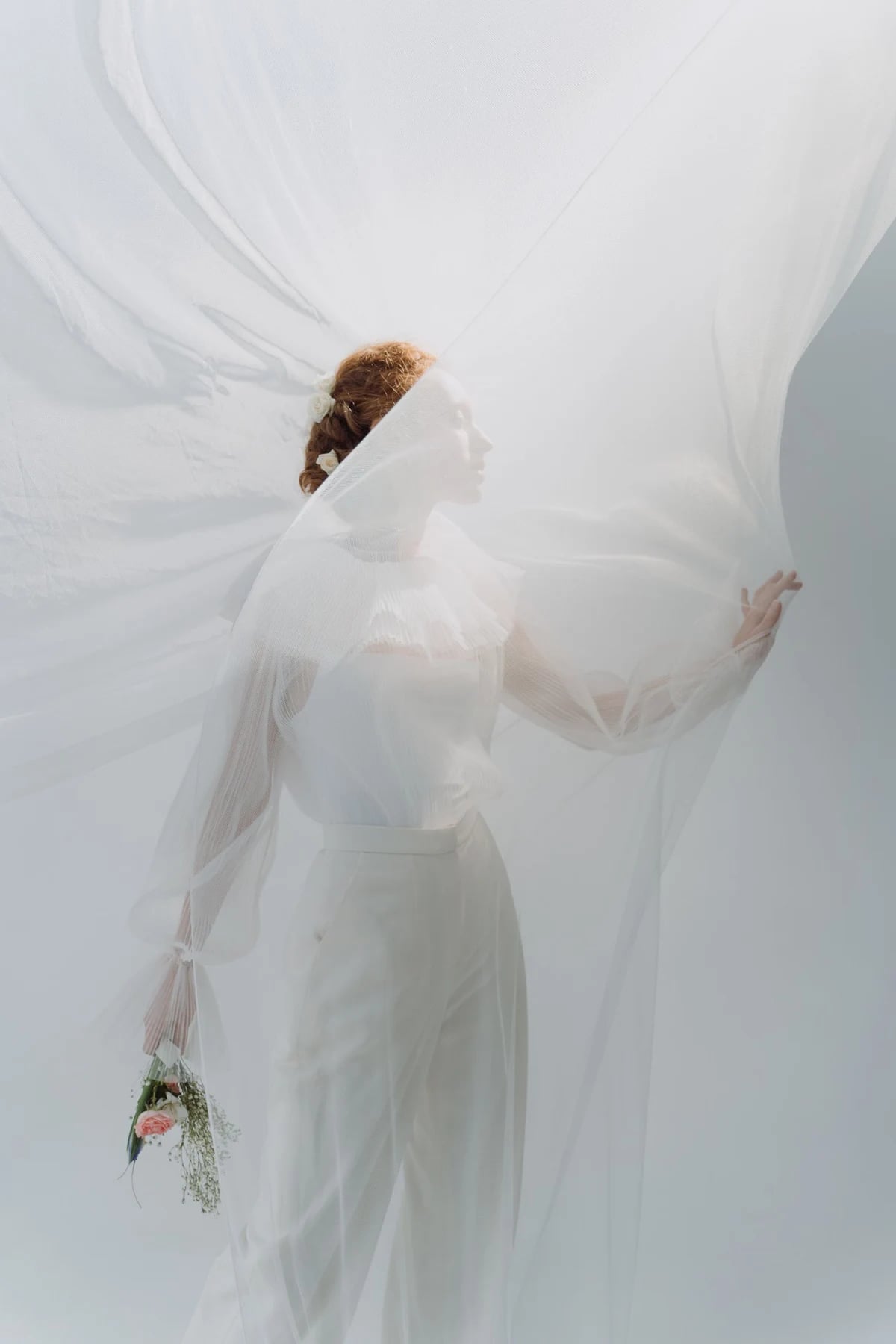
Sheer fabric & translucency
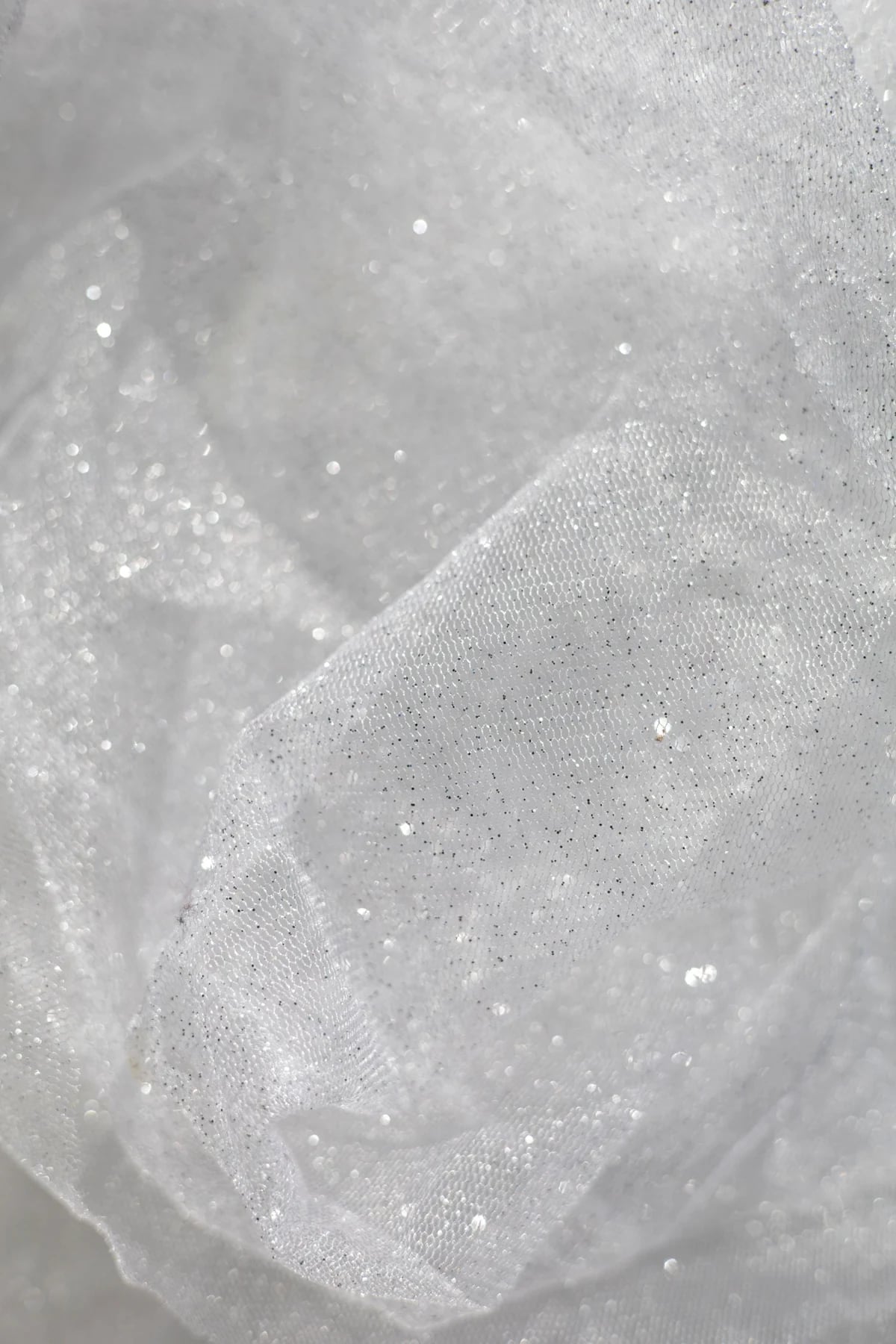
Overlapping fabric, open edges and light passing through the material.
Stock reference / Image direction
Fine mesh & texture
Visible openings and gradual transitions in transparency.
Hair masking & edge refinement
Soft where it should be. Defined where it matters.
A natural edge follows the photograph.
Hair masking calls for decisions about softness, visible strands and unwanted background color. An edge that looks clean on white may still show a halo on a dark layout.
Share the destination background or a representative layout. We assess the separation in context, especially contrast, fine detail and how the subject sits in its surroundings.
Blurred, compressed or hidden detail limits what the source can retain. We flag these areas and agree reconstruction or extra retouching separately.
Product image masking
Material detail. Still intact.
Shape, surface and light reviewed together.
Contour & composition
Product / Selected imagery
Transparency & depth
Product / Selected imagery
Complex product masking
The contour. And everything inside it.
Reference subjects for glass and delicate edges. Leave space around the object to read its form.
Stock reference / Image direction
Glass & transmitted light
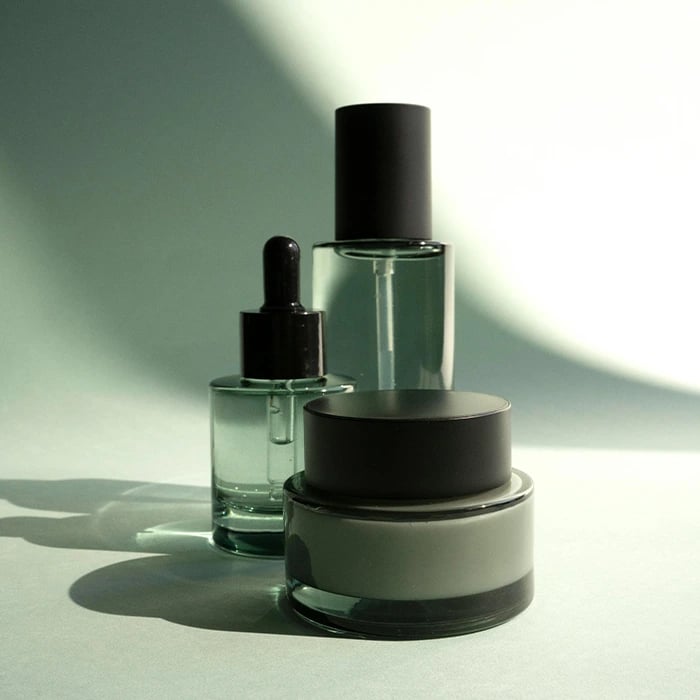
Show the glass contour and the background visible through the object.
Stock reference / Image direction
Feathered & delicate edges
Keep fine edge detail and enough contrast to assess softness and texture.
Image masking workflow
Agree the edge. Keep the standard.
Representative files and approved references establish the treatment before wider production. Dedicated teams follow those decisions across every batch.
01
Review the source
Share high-resolution images, destination backgrounds and required files. We assess complexity, transparency and source limitations.
02
Set a reference
Approve representative images for hair treatment, edge softness, background and file structure.
03
Produce the masks
Apply suitable methods, preserve subject shape and separate regions needing independent control.
04
Check in context
Review edges, detail and unwanted color against the agreed background, including transparency, openings and shadows.
05
Prepare the handoff
Deliver agreed formats, layers, dimensions and names. Resolve revisions against the approved reference.
Files that fit your workflow
Ready for use. Ready for the next edit.
Agree the deliverable before production.
Specify an editable PSD with layer masks, saved selections or alpha channels, a transparency-supporting export, or a flattened image on the approved background. We confirm the structure from your brief.
Include dimensions, resolution, color profile, file naming and templates. For recurring production, an approved sample and checklist keep batches consistent.
Masking does not automatically include full retouching, recoloring or rebuilding missing detail. Share these needs for a separate assessment and quote.
Fine detail
Selected imagery
Surface & contour
Selected imagery
Professional photo masking requirements
The source detail. The destination background.
Supply enough source detail to assess the edge
Send high-resolution originals showing the detail to retain. Focus, compression and poor contrast can obscure fine hair, fur, mesh and translucent boundaries. Mark reconstruction needs separately.
Define where the masked image will be used
Share the destination background, color or layout. Soft and transparent edges behave differently on light and dark settings. Identify shadows and gaps needing independent masks.
Confirm editability and export requirements
Specify layer masks, selections, alpha channels or finished transparent images, plus layer names, dimensions, color profile and file naming. Approve difficult edges before larger batches.
Controlled quality
Review the edge. Check the whole image.
Image masking quality is assessed against approved references and intended use.
Check contours, strands, texture and interior openings against visible source detail.
Edge transitions & contamination
Review softness, halos and background color on the agreed destination background.
Transparency & material appearance
Check partial visibility, surface detail, reflections and the approved level of opacity.
Layer structure & output specifications
Check mask placement, editability, background treatment, dimensions and names before delivery.
Service questions
Image masking FAQs
Image masking controls visibility in an image. It can hide, reveal or partly reveal areas, making it useful for hair, soft edges, transparent materials and selective adjustments.
Masking suits soft edges, fine detail and partial transparency. A clipping path suits defined outlines. Some photographs need both methods.
We refine visible strands and soft transitions from your source and approved reference. Usable detail depends on focus, contrast and compression.
Yes. We assess the source, reflections and destination background. Color from the original setting may require extra retouching.
No. Background removal is the result; masking is one technique to achieve it when a hard outline would lose detail or transparency.
Yes, when agreed in the specification. Tell us whether you need layer masks, saved selections or alpha channels and how layers should be structured.
Yes, when requested and suitable. PNG or a layered file supports transparency; JPEG is flattened and does not retain it.
Send high-resolution originals, references and the destination background or layout. Include guidance for hair, transparency, shadows, layers, dimensions, profile and naming.
We assess edge complexity, source quality, transparency, finishing needs and volume. Representative files support a scope-based quote and schedule. Our teams operate 24/6.
Yes. Send representative images and requirements for a complimentary trial. Review edge treatment, file structure and workflow before approving a production reference.
Send a few images, your intended background and the files your team needs back. We will review the scope and prepare a trial for you to assess the masking and handoff.