How to Choose an E-commerce Retouching Partner?
A practical buyer’s guide for brands, retailers and creative teams.

A good e-commerce retouching partner follows your brand standards, preserves product details and delivers images ready to publish. To choose one, compare real work, test your own files and check how the team handles deadlines and feedback.
For creative and e-commerce teams, the real test is a complete batch: different products, several angles and changing deadlines. One impressive sample does not show whether a provider can handle that workflow consistently.
Use this guide to compare e-commerce photo retouching services, plan a trial and ask the right questions before outsourcing product image editing.
What should you look for in an e-commerce retouching partner?
Choose an e-commerce retouching partner by checking five things:
- Product accuracy: colors, textures and shapes match your references.
- Batch consistency: related images follow the same visual standards.
- Reliable delivery: deadlines and revision times are agreed.
- Workflow fit: files arrive in the formats and structure you need.
- Clear terms: pricing, confidentiality and asset use are documented.
Test these requirements on your own images. Then review a first production batch before expanding the work.
1. Define your e-commerce retouching requirements
Write a short brief explaining the images, edits and files you need. Product detail page (PDP) images, campaign photos and marketplace listings may need different treatments. Explain each requirement so providers can quote the same scope.
- Image types: on-model apparel, flat lays, ghost mannequin images, footwear, jewelry, cosmetics or other product categories.
- Editing scope: background removal, clipping paths, image masking, color matching, cleanup, shape refinement and shadow or reflection work.
- Visual standards: approved references, background values, cropping, product alignment and how much natural texture to retain.
- Outputs: dimensions, file formats, color profile, naming conventions and any channel-specific versions.
- Production needs: typical batches, peak demand, deadlines, review steps and who approves the final files.
Separate routine catalog retouching from complex editorial work. Send examples of both if you need both services. This gives providers a clearer basis for pricing.
2. Check experience with your product category
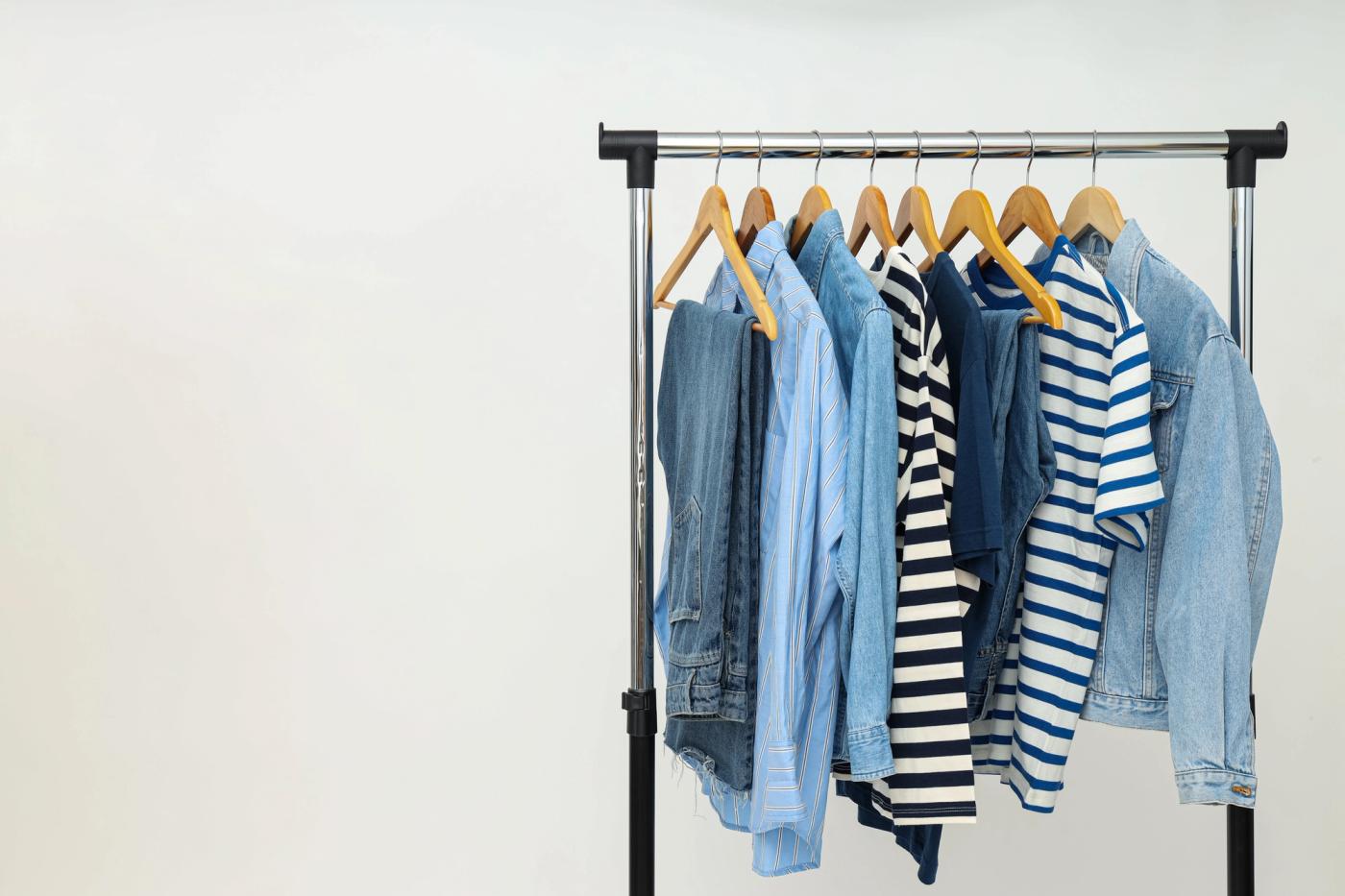
Look for experience with your products and materials. Apparel retouching involves fabric, seams, fit and garment color. Jewelry retouching involves metal tones, gemstone detail and reflections. Ask for examples that match your needs.
Ask to see several images from one collection, including detailed views and difficult files. With the owner’s permission, before-and-after examples can show what changed and whether product details were preserved.
Check the details that matter in your category:
- Apparel: consistent color across front, back and detail views; visible fabric texture.
- Footwear: accurate shape, stitching and sole detail; natural contact with the surface.
- Beauty packaging: clean edges, controlled reflections and readable labels.
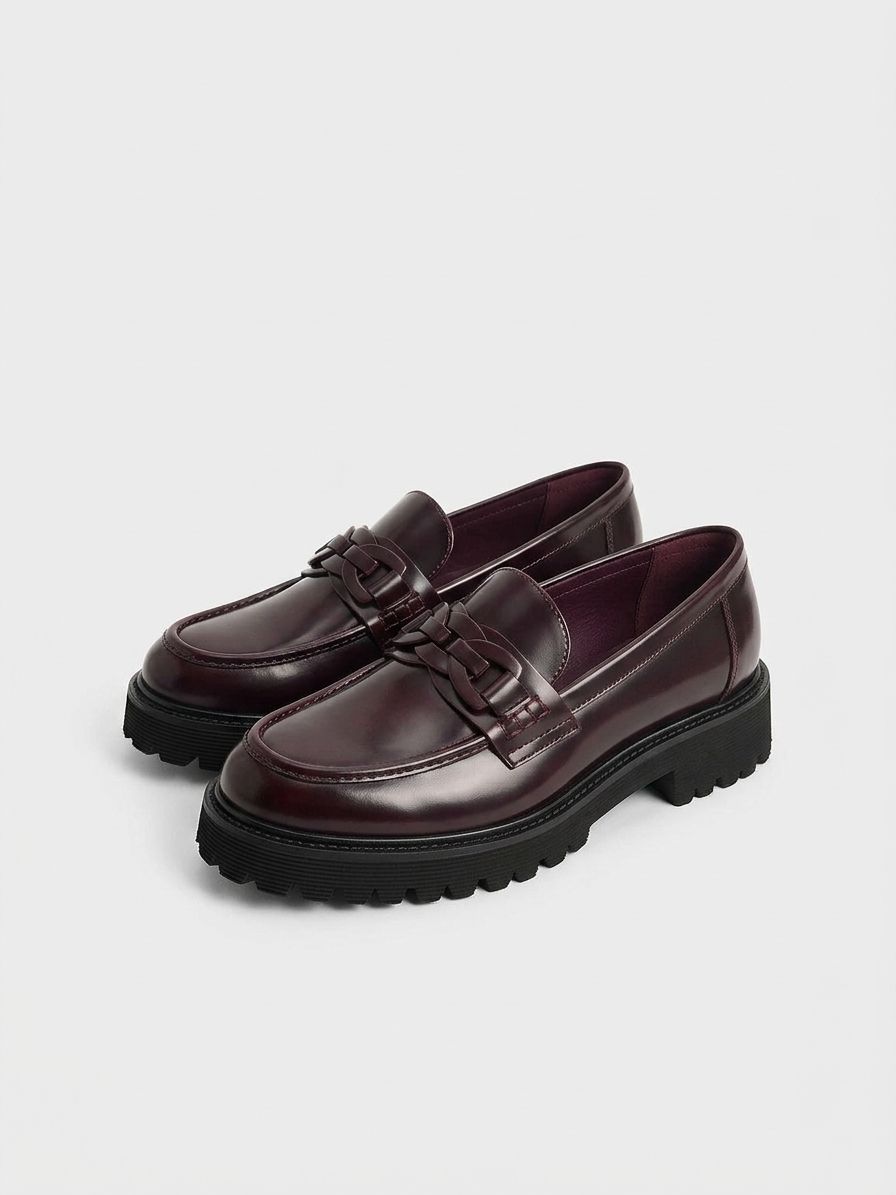
Confirm that portfolio examples are the provider’s own work. Stock photos can illustrate a technique, but they do not prove client experience.
3. Test your own images in a retouching trial
Send each shortlisted provider the same source files, brief and references. Agree the scope, cost, deadline and review criteria first. A free trial is useful only if it helps you assess the work you actually need.
Choose a trial batch that reflects your everyday work. A suggested starting point is 10–20 files if the agreed scope allows it. Complex projects may need fewer files; high-volume workflows may need a larger pilot.
- Include multiple views of the same product so you can judge consistency.
- Include light and dark colors, textured materials and at least one difficult edge or reflection.
- Include common cleanup tasks and an example that needs careful judgment.
- Request the actual dimensions, naming and file formats your team uses.
- Include one feedback round to test how corrections are understood and applied.
Give clear instructions so the trial tests execution rather than guesswork. Notice whether the team asks useful questions when a reference or requirement is unclear.
4. Review individual images and the full batch
Inspect each file at full size. Then view related images together at product-page or catalog-grid size. The first check reveals editing defects; the second reveals inconsistencies across the collection.
Inspect individual files
Look for bright outlines around cutouts, rough edges, repeated cloning marks, lost texture and distorted shapes. Check logos, stitching, engraving and packaging text. Cleanup should preserve the details that describe the product.

Check color against an approved reference using the agreed color-management process. Uncalibrated screens and compressed message previews can make comparisons unreliable. Ask the provider how it resolves unclear color references.
Compare the batch
Compare related images side by side. Check product size, alignment, crop, background tone, shadows and color between angles. Small differences become more noticeable across a catalog.
Record why each revision is needed. A repeated color mismatch needs a different fix from a wrong filename or an unclear instruction.

5. Check brand guidelines and quality control
A useful retouching guide combines written rules with approved examples. Confirm who updates the guide, how changes reach editors and what happens when a product needs a new reference.
Ask how quality control (QC) works. Who checks images before delivery? What is checked against your guidelines? How are recurring errors recorded and prevented?
Keep approvals clear. When a crop, shadow or color reference changes, record which version applies to each batch. Both teams should work from the same instructions.
6. Confirm team continuity and production capacity
Ask who edits your files and how the team learns your standards. A stable or dedicated team can retain brand knowledge. Also check training, supervision, quality control and backup coverage.
For high-volume photo editing, ask about capacity for your actual file mix. An image count alone does not explain the editing complexity, output versions, quality checks or time needed.
- Who owns the brief and answers production questions?
- How are replacement editors trained when someone is unavailable?
- How much notice is needed for peak-season or launch batches?
- What happens when demand exceeds the agreed capacity?
- Will subcontractors or external freelancers access your files?
If the provider uses AI-assisted tools, ask which tasks use them and who reviews the results. Check whether files go to third-party systems. Agree permitted use before sharing unreleased material.
7. Agree deadlines, revisions and file delivery
Confirm when turnaround starts: at upload, after the brief is accepted or once missing references arrive. Agree the time zone, production days and batch cutoff. Make a “24-hour turnaround” promise specific to your workflow.
Agree revision timing separately from first delivery. Ask who receives feedback, how urgent corrections are handled and how revised files replace older versions. Identify a contact for deadline problems.
Check file transfer, folders, naming, versions and approvals during the trial. If you need a connection to an asset-management system, confirm that it is supported and included in the scope.
Use one channel for consolidated feedback and one person for final approval. Conflicting instructions from several reviewers can cause avoidable revisions.
8. Compare the full cost of photo retouching
Compare quotes for the same files and brief. Check charges for complex edits, revisions, extra outputs and rush work.
A starting price may cover only simple edits. Request pricing for your actual product mix. Confirm minimum orders, volume commitments, currency and payment terms.
Include your team’s review, revision and publishing time in the comparison. Use trial results to judge value. Neither a low price nor a high price proves quality.
The useful question is: “What will it cost to receive a complete, approved batch in the format we need?”

9. Check data security and confidentiality
Before sharing unreleased images, check secure transfer, storage, access, subcontractors and file retention. Ask about a non-disclosure agreement (NDA) and how deletion requests are handled.
If a provider claims ISO 27001 information security certification, check the certificate’s organization, validity and scope. Also ask who can access your files and how they are protected.
Agree whether completed images may appear in the provider’s portfolio or marketing. Permission to edit your files is not permission to publish them.
A practical retouching partner comparison checklist
Use the same checklist for every provider. Mark each item Meets, Needs clarification or Does not meet. Record evidence for each answer. Treat essential requirements as pass/fail.
- Relevant work: examples match your product category and editing needs.
- Product accuracy: color, texture, shape and details follow the approved references.
- Batch consistency: angles, crops, backgrounds and shadows work together.
- Feedback handling: revisions are correct and lessons carry into subsequent files.
- Delivery: deadlines, filenames, formats and folders match the agreement.
- Team continuity: responsibility, training, QA and backup coverage are clear.
- Peak capacity: the provider explains what it can handle and the notice required.
- Pricing: inclusions, exclusions and extra charges are documented.
- Security: access, retention, confidentiality and permitted asset use are acceptable.
A trial does not guarantee long-term performance. Review a controlled first production batch against the same checklist. Expand the work once the process is stable.
Warning signs to check before choosing a partner
Investigate these warning signs:
- The provider cannot explain its quality-control process.
- A firm quote is offered without checking the files or brief.
- Unlimited capacity is promised without discussing complexity.
- Product details are repeatedly changed or lost.
- Revision terms or access to your assets are unclear.
One misunderstanding need not rule out a partner. Check whether the team explains the cause, fixes the problem and prevents it from happening again.
Frequently asked questions about e-commerce retouching partners
What is an e-commerce retouching partner?
An external team that edits product photographs to agreed visual and technical standards. The work can include cleanup, color matching, background treatment, masking and delivery preparation for product pages and other specified channels.
How many images should a retouching trial include?
Enough to represent your main product types, angles and editing challenges. A suggested starting point is 10–20 files if the agreed scope allows it. More complex projects may need fewer examples, while high-volume workflows may require a larger pilot.
Is a dedicated retouching team necessary?
It can help when recurring work involves detailed brand standards and frequent feedback. Evaluate continuity, training, quality control and backup coverage as well. A dedicated team is one operating model, not a substitute for inspecting results.
How should I compare photo retouching prices?
Give providers the same files and brief, then compare what each quote includes. Review complexity charges, revisions, rush fees and output versions. Include your internal review and preparation effort when assessing the total cost.
Can I outsource retouching while keeping creative control?
Yes, provided responsibilities are clear. Your team can retain the visual direction, approved references and final sign-off while the external partner handles the agreed production tasks. Test how well this arrangement works during a trial.
Should a provider use AI for product image editing?
Assess the workflow rather than the label. Ask which tools and tasks are involved, how accuracy is checked and whether files reach third-party systems. Approve usage only when it fits your product standards and asset-handling requirements.
Choose the partner that fits your production workflow
Shortlist providers with relevant work, send the same brief and assess a representative trial. Compare results against documented criteria, clarify the operating terms and validate the first production batches before expanding.
If you are evaluating bZm Graphics, share representative files, approved references and your delivery requirements. Our e-commerce photo retouching services support brands and creative teams with product image post-production. Discuss a complimentary trial so you can assess the work on your own content.
Explore e-commerce photo retouching services or contact bZm Graphics to discuss your brief.
Written by
Mirza Amirul Islam